Ad. When you purchase through links we provide, we may receive an affiliate commission. Here's how it works.
Best Smart Bulbs in 2026: 5 Picks for Every Home

TL;DR: The best smart bulbs in 2026 combine color-accurate light, smooth dimming, and support for the ecosystem you already use.
The Philips Hue White and Color Ambiance A19 is the strongest all-around pick for most homes, and the Wyze Bulb Color is the best value pick for outfitting several rooms.
Quick Picks: Top Smart Bulbs
- Philips Hue White and Color Ambiance A19: best overall smart bulb, smoothest dimming and widest app support.
- Wyze Bulb Color: best budget smart bulb for outfitting multiple rooms.
- Nanoleaf Essentials A19 Matter: best for renters who don’t want to lock into one voice assistant.
- Govee Smart Light Bulb A19: best for color scenes and music-synced ambiance.
- LIFX Color A19: best no-hub smart bulb for premium color without extra hardware.

Key Takeaways
- All five smart bulbs connect directly over WiFi or Bluetooth, and none require a hub to control a single room.
- Most smart light bulbs top out between 800 and 1,100 lumens, roughly matching a 60 to 75-watt incandescent bulb.
- Matter now ships natively on three of the five bulbs covered here (Nanoleaf, Govee, and newer LIFX units).
- Every smart bulb here loses app and voice control the instant someone flips a physical wall switch to “off.”
- A 9-watt smart bulb run 3 hours a day draws a fraction of the electricity a 60-watt incandescent bulb would use.
Picking the best smart bulbs for your home comes down to three things: how the light looks, whether it works with your voice assistant, and whether you need extra hardware to run it.
No single bulb wins on every count, so we’ve broken the picks down by situation.
What Makes a Bulb “Smart” in 2026?
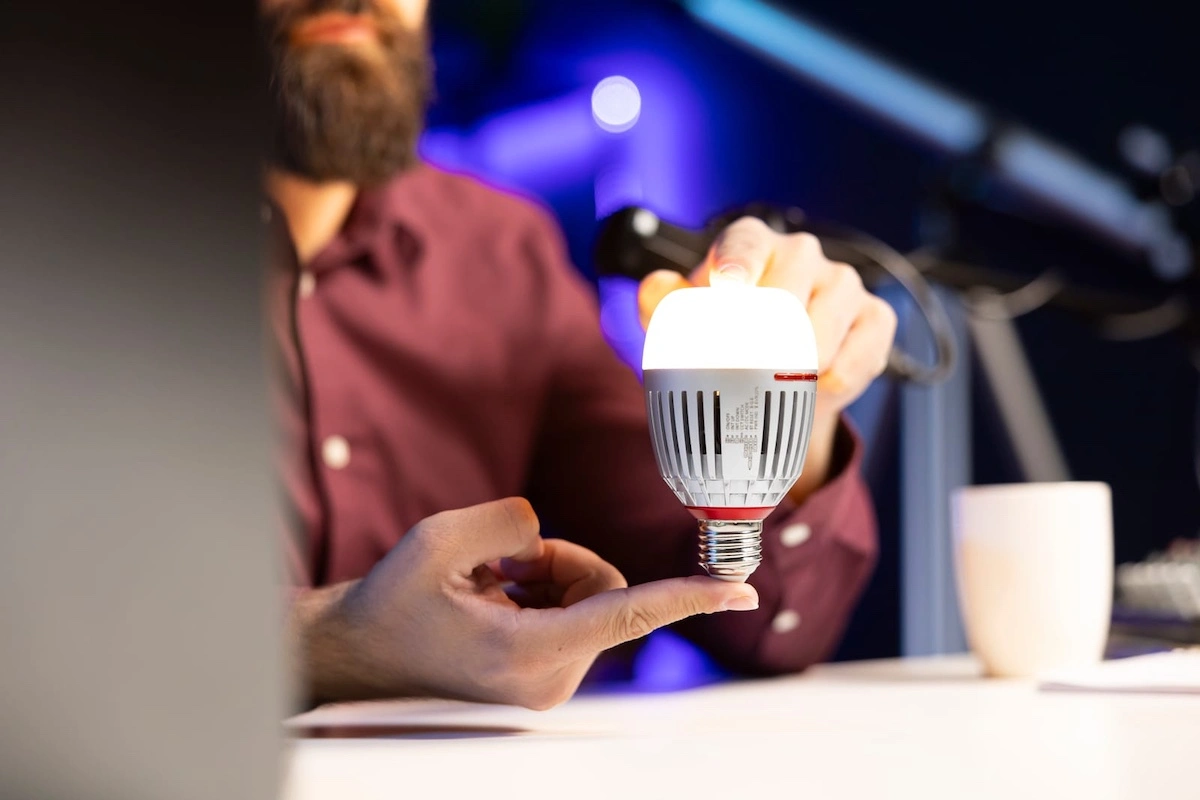
A smart bulb is an LED bulb with a small WiFi, Bluetooth, or Zigbee/Thread radio built in, letting an app or voice assistant control brightness, color, and on/off state.
The biggest recent shift is Matter, an open standard backed by Amazon, Apple, Google, and Samsung that lets one bulb work natively across Alexa, Google Home, Apple Home, and SmartThings.
Three of the five bulbs here, the Nanoleaf Essentials, the Govee A19, and newer LIFX units, ship Matter-certified.
See our Zigbee vs. Z-Wave vs. Matter comparison and Wikipedia’s overview of the Matter standard.
Do You Need a Hub for Smart Bulbs?
No, not for a single room.
Every bulb here connects directly to WiFi or phone Bluetooth, so you can screw it in and start controlling it within minutes.
A hub becomes useful once you manage a whole house: Philips Hue’s optional Bridge unlocks away-from-home control and more automations than Bluetooth alone.
If you’re planning to eventually wire up 20-plus lights across a home you own, a hub-based ecosystem like Hue will scale more reliably than a purely app-based one.
Our guide to smart home hubs covers when a hub actually pays off, and the same logic applies to a smart thermostat for the rest of the house.
A dedicated motion sensor added to that hub can turn your bulbs on automatically the moment someone walks in, and our guide to the best smart home motion sensors covers picks that match your ecosystem.
How Much Can Smart Bulbs Save on Your Energy Bill?
Smart bulbs are LED bulbs first, and LEDs use dramatically less power than the incandescent bulbs most people are replacing.
According to the U.S. Department of Energy, ENERGY STAR-certified LED bulbs use about 75 percent less energy than incandescent lighting and last 15 to 25 times longer.
The “smart” part adds negligible standby power, so the ongoing electricity draw stays close to negligible next to the light quality and automation you get in return.
See the Department of Energy’s guide to energy-efficient light bulbs and ENERGY STAR’s purchasing guide.
Can Smart Bulbs Help You Sleep Better?
Tunable white bulbs, the ones that shift from warm amber to cool daylight, are built around real circadian biology, not just a marketing feature.
Research reviewed by the National Institutes of Health links blue-enriched light exposure in the evening to delayed melatonin production and disrupted sleep onset.
Setting a smart bulb to shift toward warmer, dimmer light in the two hours before bed is one of the few smart home features with genuine sleep-science backing, not just convenience value.
See the NIH-indexed research on light exposure and circadian rhythm.
Compare the Best Smart Bulbs at a Glance
| Product | Best For | Key Spec | Ecosystem Support | Typical Wattage |
|---|---|---|---|---|
| Philips Hue White and Color Ambiance A19 | Best overall | Up to 1,100 lumens, 16M colors, Bluetooth or Zigbee via Hue Bridge | Alexa, Google Assistant, Apple HomeKit | ~9W |
| Wyze Bulb Color | Best budget | 1,100 lumens, 90+ CRI, direct WiFi + Bluetooth, no hub | Alexa, Google Assistant | ~9W |
| Nanoleaf Essentials A19 Matter | Best ecosystem flexibility | 1,000 lumens, CRI 90+, Matter over Thread/WiFi/Bluetooth | Alexa, Google Home, Apple Home, SmartThings | ~9W |
| Govee Smart Light Bulb A19 | Best for color and scenes | 800 lumens, 54 scene modes, music sync, Matter-certified | Alexa, Google Assistant, Matter | ~8.5W |
| LIFX Color A19 | Best no-hub bulb | 1,100 lumens, 1500K-9000K tunable white, direct WiFi | Alexa, Google Home, Apple HomeKit, Matter (newer units) | ~11W |
Philips Hue White and Color Ambiance A19: Best Overall Smart Bulb
Sale
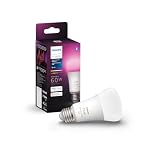
Philips Hue White and Color Ambiance A19
- WHAT’S IN THE BOX – Includes one White and Color Ambiance smart 60W-equivalent A19 color-changing light…
- UNLOCK THE FULL POWER OF HUE – Add a Hue Bridge to enjoy automations, manage from anywhere in the world…
- MILLIONS OF COLORS – The White & Color Ambiance range offers both warm-to-cool white and millions of…
The most established smart bulb on the market, with the smoothest dimming curve and broadest third-party integration of the bulbs reviewed here.
Why we picked it:
- Light quality and dimming smoothness are regarded as the best in the category, especially at low brightness where cheaper bulbs flicker.
- Works Bluetooth-direct for a single room, or with the optional Hue Bridge for whole-home automation and away-from-home control.
Real-world scenario:
You’ve got a mixed Alexa-and-HomeKit household, and Hue is the one smart bulb line that doesn’t force anyone to pick a side.
New to Alexa?
Our walkthrough on setting up a smart home with Alexa covers the basics.
Haven’t picked Alexa or Google Home yet?
Our Alexa vs Google Home comparison can help you decide before you buy your first bulb.
Pros:
- Best-in-class dimming smoothness and color accuracy
- Works with virtually every major voice assistant
- Scales cleanly from one bulb to a whole-home setup
Cons:
- The companion app can feel cluttered with more than a handful of bulbs and routines
- Full whole-home features require buying the separate Hue Bridge
Best for:
Households that want the most polished smart bulb experience, especially buyers focused on premium light quality.
Wyze Bulb Color: Best Budget Smart Bulb

Wyze Bulb Color
- WYZE WLPA19C-2 LED SMART HOME COLORED LIGHT BULBS – TWO-PACK
A direct WiFi color smart bulb built for anyone who wants to outfit several rooms without a large per-bulb investment.
Why we picked it:
- Strong value for its brightness, color range, and 90+ CRI accuracy rating
- No hub required, and setup is a straightforward WiFi and Bluetooth pairing process
Real-world scenario:
You’re furnishing a first apartment room by room, and Wyze lets you put a smart bulb in every fixture without treating each one as a splurge.
Pros:
- Best value per bulb here
- Vibrant color output
- Fast setup, direct WiFi
Cons:
- Scattered reports of units getting stuck on one color or drifting in brightness
- Apple HomeKit and Matter support isn’t consistently confirmed, so check the current listing on an all-Apple setup
Best for:
Renters and budget-conscious buyers outfitting multiple rooms at once, particularly households that just want lights working fast.
Nanoleaf Essentials A19 Matter: Best for Ecosystem Flexibility

Nanoleaf Essentials A19 Matter
- 【Dynamic Color-Changing Animations】With Nanoleaf color changing light bulb, you could create…
- 【Set Schedules】Automate your smart bulbs to turn on/off at specific times and days to make your daily…
- 【Voice & Group Control】Go deep into customizing your lights with the Nanoleaf App (colors, lighting…
A Matter-native smart bulb built specifically so you’re never locked into one voice assistant.
Why we picked it:
- Native Matter support over Thread, WiFi, and Bluetooth, working across Apple Home, Google Home, Alexa, and SmartThings
- Built-in circadian auto-adjustment that shifts color temperature through the day
Real-world scenario:
You’re renting and don’t know what smart home setup your next place will already have, and a Matter bulb like this one re-pairs to whatever’s already there.
Pros:
- True cross-ecosystem flexibility via Matter
- No hub required for single-room use
- Automatic circadian white-light adjustment built in
Cons:
- Initial setup can be fiddly compared to single-ecosystem bulbs
- 2.4GHz WiFi only, so it won’t join a 5GHz-only network
Best for:
Renters, movers, and anyone who wants a smart bulb that isn’t tied to a single voice assistant long-term.
Govee Smart Light Bulb A19: Best for Color and Ambiance
Sale

Govee Smart Light Bulb A19
- Easy Voice Control: Our Alexa light bulbs are compatible with Alexa and Google Assistant for easy voice…
- 16 Million DIY Colors: Govee smart light bulbs provide millions of colors and 54 preset scene modes…
- Music Sync: Our smart light bulbs change color and brightness when your phone’s microphone detects sound…
A scene-and-mood focused smart bulb with the deepest library of lighting effects in this comparison.
Why we picked it:
- 54 built-in scene modes plus microphone-based music sync, the strongest ambiance feature set here
- Matter-certified alongside direct WiFi and Bluetooth, so it doesn’t lock you into the Govee app for basic control
Real-world scenario:
You host movie nights and want the living room to shift into a dim, colored scene with one tap instead of adjusting brightness and hue manually.
Pros:
- Largest scene and effects library here
- Matter-certified with no hub required
- Music sync works well for casual ambiance use
Cons:
- Lowest peak brightness of the five bulbs at 800 lumens
- Less long-term reliability feedback than the more established brands here
Best for:
Anyone who treats lighting as part of the room’s mood, not just illumination, especially for media rooms and entertaining spaces.
LIFX Color A19: Best No-Hub Smart Bulb
Sale

LIFX Color A19
- SUPERCOLOR. INCOMPARABLE BRIGHTNESS. — LIFX SuperColor color changing light bulbs deliver 800 lumen…
- MORE THAN LIGHT. IT’S AN EXPERIENCE. — Explore 200+ Themes for mood lighting across Art, Music, Sports…
- LIGHT DESIGN THAT ADAPTS TO YOU. — Group rooms and build Routines that run your day: cool daylight for…
A direct WiFi color bulb that has never required a hub or bridge since its earliest generation, with the widest color-temperature range in this guide.
Why we picked it:
- Genuinely hub-free, connecting straight to 2.4GHz WiFi with no bridge ever required
- The richest color range here, with tunable white from 1500K to 9000K
Real-world scenario:
You want premium, wide-range color without buying a bridge or managing another piece of hardware on your network.
Pros:
- No hub required, ever, by design
- Widest tunable white range reviewed here
- Rated for 25,000 hours, with Matter compatibility on newer units
Cons:
- Past firmware updates have occasionally broken third-party integrations
- Sits at the premium end of this comparison
Best for:
Busy households and buyers who want premium color and zero extra hardware to manage.
Common Mistakes to Avoid When Buying Smart Bulbs
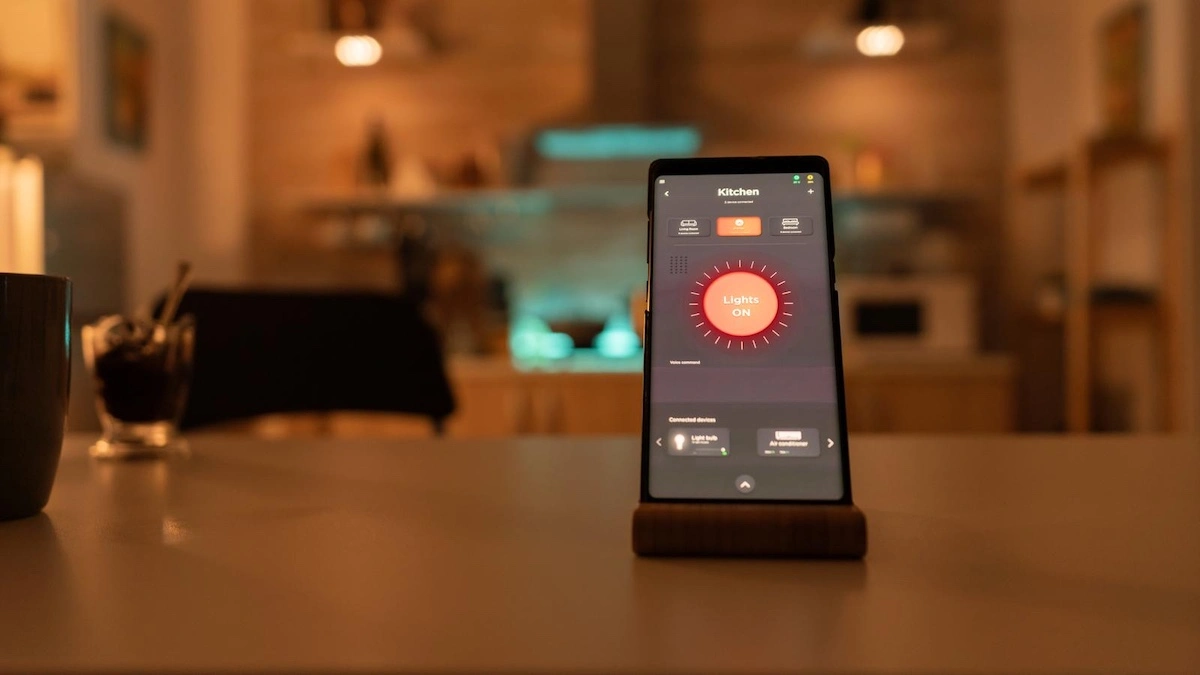
- Leaving the physical wall switch controlling the fixture. Every smart bulb loses all app and voice control the instant a traditional wall switch cuts power to it, which is the single most common first-time smart bulb complaint.
Leave that switch on and control the bulb through the app instead. - Buying based on color count alone.
Prioritize dimming smoothness over raw color count. - Assuming every bulb works with every voice assistant.
Not every smart bulb supports HomeKit or Matter out of the box, so check the spec sheet first. - Ignoring WiFi band compatibility.
Several smart bulbs, including three in this guide, only connect to 2.4GHz networks, so a 5GHz-only router will need a separate band before pairing works.
What Happens If You Choose the Wrong Smart Bulb
- If you leave the wall switch controlling a smart bulb → you’ll lose app and voice control and assume the bulb is broken.
- If you buy based on color count alone → you’ll end up with a bulb that dims unevenly or flickers.
- If you assume HomeKit or Matter support without checking → you’ll fail to pair it and have to return it.
How We Research Smart Bulbs
We analyzed manufacturer specifications and connectivity documentation for each bulb.
We cross-referenced user forum feedback for the most consistently reported strengths and complaints, and used U.S. Department of Energy and ENERGY STAR data to ground the energy claims in real figures.
For our full method and scoring rubric, see our review methodology.
Choose Your Smart Bulb in 60 Seconds
- If you want the most polished, widest-compatibility option → buy the Philips Hue White and Color Ambiance A19.
- If you’re outfitting several rooms on a budget → buy the Wyze Bulb Color.
- If you’re renting or unsure which ecosystem you’ll end up with → buy the Nanoleaf Essentials A19 Matter.
- If you host frequently and want scene and mood lighting → buy the Govee Smart Light Bulb A19.
- If you want zero extra hardware and the widest color-temperature range → buy the LIFX Color A19.
Who Smart Bulbs Are For (and Who Should Skip Them)
This is for you if:
- You want lighting schedules and automations without rewiring your home
- You already use a voice assistant and want lighting integrated with it
- You’re a renter who needs lighting upgrades that move with you
- You want lighting automations paired with other connected devices, like a robot vacuum
- You’re a pet owner who wants smart lighting alongside an air purifier built for pet dander
This is NOT for you if:
- Your household relies on physical wall switches and won’t reliably remember to leave them on
- You don’t want another app or account tied to your home network, or to think about the encryption standards protecting it
- Your WiFi coverage is already unreliable in the rooms you’d want to outfit
Frequently Asked Questions
Do smart bulbs need a hub in 2026?
No, not for basic use.
All five smart bulbs in this guide connect directly to your home WiFi or to your phone over Bluetooth, so you can install one in a lamp or fixture and control it from an app within about five minutes, no additional hardware required.
A hub, like the optional Philips Hue Bridge, becomes worth adding once you’re managing a larger number of bulbs across a whole home, because it typically improves response speed, unlocks away-from-home control, and supports more advanced automations than app-only control allows.
A household with two or three bulbs in a rental gets no real benefit from a hub, while one with 20 or more bulbs across multiple floors sees more consistent performance with one.
If you’re just starting out, buy a hub-free bulb like the Wyze, LIFX, or Nanoleaf, and add a hub later if your setup grows large enough to need it.
What is Matter, and does it matter when choosing a smart bulb?
Matter is an open smart home connectivity standard backed by Amazon, Apple, Google, and Samsung that lets a single smart device work natively across multiple ecosystems instead of being locked to one.
Before Matter existed, a smart bulb built for Alexa often required separate setup steps, or simply didn’t work at all, if you later switched to Google Home or Apple HomeKit, and returning it or buying a second bulb for a different room was common.
Three of the five bulbs here, the Nanoleaf Essentials, the Govee A19, and newer LIFX units, ship Matter-certified, meaning they’ll pair with essentially any current smart home platform without a bridge.
If you’re not fully committed to one voice assistant long-term, or you might move into a home with a different existing setup, a Matter-certified bulb is the safer long-term choice.
The tradeoff is minor: Matter-certified bulbs are widely available now, so choosing one rarely means giving up features.
How much can smart LED bulbs actually save on energy costs?
According to the U.S. Department of Energy, ENERGY STAR-certified LED bulbs use about 75 percent less energy than incandescent bulbs and last 15 to 25 times longer, which adds up meaningfully over a bulb’s lifespan.
A typical 9-watt smart bulb run for about 3 hours a day draws only a small fraction of the electricity an equivalent 60-watt incandescent bulb would use on the same schedule, since almost all of that incandescent wattage is lost as heat rather than light.
Multiply that difference across a whole home, say 15 bulbs replaced from incandescent to smart LED, and the reduction in electricity draw becomes substantial over the course of a year, even before counting how much longer LED bulbs last before needing replacement.
The energy efficiency alone won’t fully justify switching to smart lighting, but it meaningfully reduces the ongoing electricity footprint of running lighting throughout your home, on top of the automation and light-quality benefits.
Do smart bulbs still work if someone flips the wall switch off?
No.
A smart bulb needs continuous power to keep its WiFi or Bluetooth radio active, so cutting power at a traditional wall switch disconnects it from your network entirely, and app or voice control stops working until power is restored.
This is the most common first-time smart bulb complaint, and it usually gets misread as a defective bulb rather than a simple power issue.
The fix is straightforward: leave the physical switch on at all times and control the bulb through the app or voice assistant, or replace the switch itself with a smart switch or a switch guard that prevents accidental toggling.
Households with kids or guests who aren’t used to smart lighting benefit most from a switch guard, since it removes the temptation to flip the switch out of habit.
Labeling the switch, or covering it with a small note, works just as well as hardware in most homes.
Do smart bulbs keep working during a WiFi or internet outage?
It depends on what “working” means.
If your internet goes down but your local WiFi network and router are still powered on, most smart bulbs will keep responding to voice commands and app control for actions that don’t require a cloud connection, though some cloud-dependent features may lag or fail temporarily.
If the power itself goes out, a smart bulb simply turns off like any other bulb, and when power returns, it typically defaults to its last known state or comes back on at full brightness, depending on the brand.
None of the five bulbs here function as a basic, switch-only bulb during a full outage, they behave like a standard LED bulb would.
If reliable operation during outages matters to you, keep at least one traditional, non-smart bulb in key fixtures as a backup, and consider a battery backup for the router if voice control during short outages matters to your household.
Which smart bulbs are best for renters who don’t want to commit to one ecosystem?
Matter-certified bulbs are the strongest choice for renters, since they’re designed to work across Alexa, Google Home, Apple Home, and SmartThings without a bridge or brand-specific hub.
The Nanoleaf Essentials A19 Matter and the Govee Smart Light Bulb A19 both ship Matter-certified and pair over standard WiFi and Bluetooth, meaning they’ll move with you into a new apartment and re-pair with whatever setup is already established there.
For example, if you move from an apartment with a Google speaker to one where a roommate already has Alexa devices, a Matter bulb re-pairs to the new ecosystem without any special workaround.
Avoid single-ecosystem bulbs that require a proprietary hub if you expect to move within the next year or two, since that hardware doesn’t transfer easily between setups.
Sticking with Matter-certified or direct WiFi bulbs means you’re not stuck troubleshooting a bridge a previous tenant configured differently than you would have.
Can tunable white smart bulbs actually help with sleep?
There’s genuine research behind this, not just marketing.
Research reviewed by the National Institutes of Health links exposure to blue-enriched light in the evening hours to delayed melatonin production, which can push back sleep onset.
Tunable white smart bulbs let you schedule a shift toward warmer, dimmer light in the two hours before bed, mimicking the natural drop in blue light at sunset.
For example, setting a bedroom bulb to automatically warm from 4000K daylight to 2200K amber starting at 8 p.m. removes the need to adjust lighting manually every night.
Every bulb here supports some degree of tunable white, though the Philips Hue and LIFX offer the widest color-temperature range, making them the better picks if sleep-focused lighting is a priority.
None of this replaces good sleep habits on its own, but pairing a bedtime lighting schedule with a tunable white bulb removes one more variable working against a good night’s sleep.
How many bulb colors do you actually need, and does 16 million colors matter?
In practice, far fewer than the marketing numbers suggest.
Most smart bulb color ranges advertise 16 million colors, but most households settle into 5 to 8 preset colors or scenes used regularly, like a warm white for evenings, a cool white for tasks, and one or two accent colors for ambiance.
The 16-million-color figure describes the theoretical range the RGB LED can produce, not a meaningful usability benefit, since the human eye can’t reliably distinguish between most adjacent shades in that range anyway.
What matters more in daily use is dimming smoothness (whether the bulb steps evenly from full brightness down to a warm, low glow without flickering) and color accuracy at the presets you’ll actually use.
If you’re choosing between two bulbs and one advertises a larger color count while the other has better documented dimming performance, prioritize the dimming performance, since that’s the difference you’ll actually notice every time you turn a light on.
Summary: The Best Smart Bulbs, Recapped
The best smart bulbs for most homes in 2026 come down to ecosystem flexibility, light quality, and how much hardware you’re willing to manage.
The Philips Hue White and Color Ambiance A19 is the strongest all-around pick, while the Wyze Bulb Color delivers the best value for outfitting multiple rooms.
Renters should lean toward the Matter-certified Nanoleaf Essentials or Govee A19, and anyone who wants premium color with zero extra hardware should look at the LIFX Color A19.
Still unsure?
Start with the Philips Hue White and Color Ambiance A19, it covers the widest range of use cases of any bulb here.
Browse the full Smart Devices review library, or head back to the home page.